
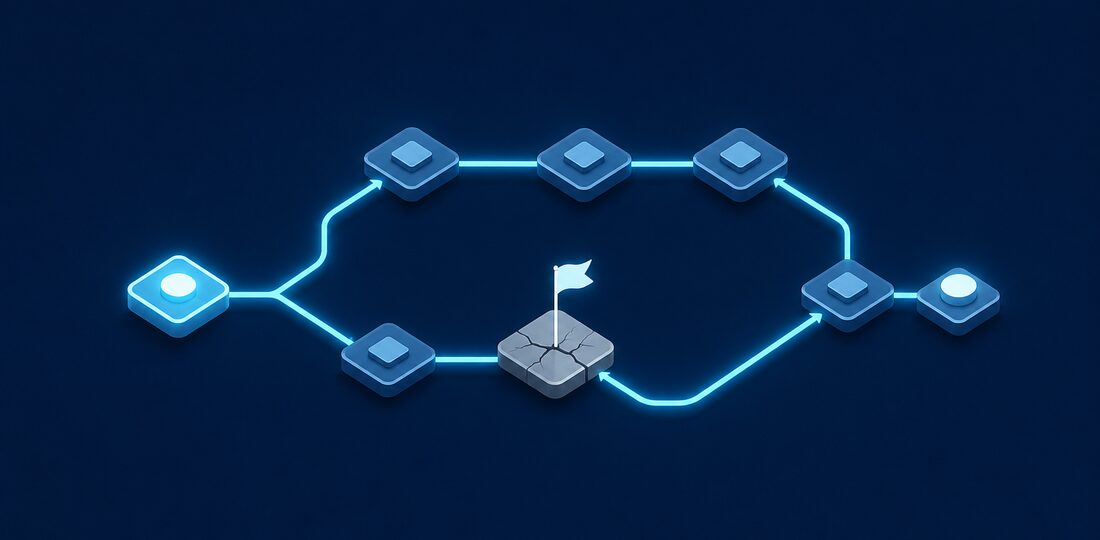
What would happen if your office flooded tomorrow? If ransomware encrypted all your files? If a key employee suddenly left? Business continuity planning prepares you for the unexpected.
What Is Business Continuity Planning?
Business continuity planning (BCP) is the process of creating systems and procedures that enable your business to continue operating during and after a disaster. It goes beyond just IT disaster recovery to encompass all critical business functions.
A well-designed BCP answers one fundamental question: how does your business keep serving customers and generating revenue when something goes seriously wrong? Whether it is a burst pipe in your Hackensack office, a cyberattack that takes down your servers, or a regional power outage across Bergen County, the businesses that survive are the ones that planned ahead.
Common Threats to Business Continuity
- Natural disasters — Floods, storms, fires, power outages
- Cyberattacks — Ransomware, data breaches, system compromises
- Hardware failures — Server crashes, network equipment failures
- Human factors — Key employee departures, human error, sabotage
- Supply chain issues — Vendor failures, internet outages
- Pandemics — As we learned, can disrupt everything
Bergen County businesses face region-specific risks that make continuity planning especially important. Nor'easters and hurricanes regularly knock out power for days at a time. Flooding along the Hackensack River and Saddle River corridors has disrupted businesses in Paramus, Hackensack, and surrounding towns. And with one of the highest concentrations of small businesses in New Jersey, the area is a frequent target for cybercriminals who know that smaller companies often lack dedicated IT security staff.
Creating Your Business Continuity Plan
Step 1: Business Impact Analysis
Identify your critical business functions and understand the impact of disruption:
- What processes are essential to operations?
- What systems support those processes?
- How long can each function be down before serious impact?
- What's the financial impact of downtime per hour/day?
- What are the regulatory/compliance implications?
Step 2: Define Recovery Objectives
For each critical system, define:
- RTO (Recovery Time Objective) — How quickly must this system be restored?
- RPO (Recovery Point Objective) — How much data loss is acceptable?
These objectives drive your backup and recovery strategies.
Step 3: Develop Recovery Strategies
Create specific strategies for different scenarios:
- Data backup and recovery — How to restore lost data
- Alternative work locations — Where staff work if office unavailable
- Communication plans — How to reach employees, customers, vendors
- Vendor contingencies — Backup vendors for critical services
- Manual procedures — How to operate without technology
Step 4: Document the Plan
Your BCP should include:
- Contact information for key personnel
- Step-by-step recovery procedures
- Vendor contact information and account numbers
- System documentation and configurations
- Decision trees for different scenarios
Step 5: Test the Plan
A plan that's never been tested is just wishful thinking:
- Tabletop exercises — Walk through scenarios with key staff
- Technical tests — Actually restore from backups
- Full simulations — Simulate a disaster and execute the plan
Testing is where most businesses fall short. They create a plan, file it away, and never look at it again. We recommend testing at least twice per year, and always after major changes to your IT infrastructure, staff, or business processes. A plan written two years ago for a five-person team may not work for your current fifteen-person operation.
IT Disaster Recovery Essentials
Backup Strategy
Follow the 3-2-1 rule:
- 3 copies of your data
- 2 different storage types
- 1 copy off-site
Recovery Testing
Test your backups regularly:
- Monthly verification that backups complete
- Quarterly test restores of random files
- Annual full recovery test
Documentation
Maintain current documentation of:
- Network diagrams
- System configurations
- Account credentials (securely stored)
- Vendor contacts and account numbers
- Recovery procedures
Keep copies of your documentation both digitally in the cloud and as printed hard copies stored offsite. If your office is inaccessible and your local systems are down, you need to be able to reach your recovery procedures from anywhere.
Remote Work Readiness
The pandemic taught every business in Bergen County an important lesson: if your team cannot work remotely, your business is vulnerable. A strong continuity plan includes remote work infrastructure that can be activated quickly:
- Cloud-based tools — Email, file storage, and applications hosted in the cloud remain accessible from any location with internet access
- VPN access — Secure connections that let employees access office resources from home
- Laptop readiness — Employees should have laptops they can take home rather than relying solely on desktop workstations
- Communication platforms — Tools like Microsoft Teams or Zoom for meetings, messaging, and collaboration when the office is unavailable
- Phone system forwarding — VoIP phone systems that can route calls to cell phones or home offices automatically
Many Bergen County businesses discovered during past storms and outages that having these systems in place before a disruption made the difference between losing a few hours of productivity and losing weeks of revenue.
Industry-Specific Considerations
Your continuity plan should account for the regulatory and operational requirements specific to your industry:
- Insurance agencies — Policy documents and claims files must remain accessible so clients can be served without interruption. New Jersey's insurance data security requirements call for a documented incident response and recovery plan.
- Law firms — Court deadlines do not pause for disasters. Your plan must ensure access to case files, court filing systems, and client communications.
- Accounting firms — Tax deadlines and payroll processing cannot be missed. Backup access to financial software and client data is critical, especially during peak seasons.
- Retail businesses — Point-of-sale systems and inventory management need rapid recovery to avoid lost sales and customer dissatisfaction.
How Bergen Computer Solutions Can Help
Creating a business continuity plan can feel overwhelming, but you do not have to do it alone. Bergen Computer Solutions helps businesses throughout Bergen County develop practical, testable continuity plans tailored to their specific needs and budget. We handle the IT disaster recovery side, including cloud backup configuration, remote access setup, and recovery testing, so you can focus on running your business with confidence that you are prepared for whatever comes next.
Need Help With Your IT?
Bergen Computer Solutions provides expert IT support for businesses and home users throughout Bergen County.
Contact Us Today (201) 669-3107