
Remote and hybrid work is here to stay. Across Bergen County, businesses of all sizes now have employees who split time between the office and home, or work entirely from remote locations. But working outside the office introduces security risks that many businesses have not adequately addressed. Your office network has firewalls, managed switches, and IT oversight. Your employee's home office in Paramus or Ridgewood probably has a consumer-grade router and a shared WiFi password. Here is how to keep your distributed workforce secure without sacrificing the flexibility that remote work provides.
The Security Challenges of Remote Work
When employees work remotely, they operate outside your protected office network. The perimeter-based security model that many businesses relied on, where the office firewall served as the primary defense, simply does not work when your team is scattered across Bergen County, North Jersey, and beyond. This creates several significant risks:
- Unsecured networks: Home WiFi networks and coffee shop hotspots lack the enterprise-grade security of your office network. An employee working from a local cafe in Hackensack is sharing a network with every other customer in the building.
- Personal devices: When employees use the same laptop or phone for both work and personal activities, malware from a personal download or a compromised personal account can spread to company data.
- Physical security: Laptops can be lost or stolen from cars, coffee shops, and even home offices. Each lost device is a potential data breach if it is not properly encrypted and managed.
- Shadow IT: Remote employees are more likely to use unauthorized applications and cloud services to solve immediate problems, creating data silos and security blind spots that IT cannot monitor or protect.
- Reduced visibility: When devices are not connected to your office network, your IT team loses the ability to monitor them for threats, verify that security software is running, and ensure that updates are being applied.
Essential Security Controls for Remote Work
Securing remote work requires a layered approach that protects devices, connections, and data regardless of where the employee is working.
1. Endpoint Protection
Every device that accesses company resources needs robust protection. This is your most critical defense layer when employees are working outside the office:
- Next-gen antivirus and EDR (Endpoint Detection and Response): Traditional antivirus relies on known threat signatures and misses new or sophisticated attacks. Next-gen solutions use behavioral analysis to detect suspicious activity, even from previously unknown threats. EDR also provides the ability to investigate and respond to incidents remotely.
- Full-disk encryption: Encrypting the entire hard drive ensures that if a laptop is lost or stolen, the data on it is unreadable without proper credentials. Both Windows (BitLocker) and Mac (FileVault) include built-in encryption that should be enabled on every company device.
- Automatic updates: Security patches must be applied promptly. Remote devices that do not receive timely updates become increasingly vulnerable. Managed IT tools can enforce update policies and verify compliance even when devices are off-network.
- Mobile device management (MDM): MDM solutions give IT the ability to enforce security policies, track device location, and remotely wipe company data if a device is lost, stolen, or if an employee leaves the company.
2. Secure Remote Access
Employees need secure, reliable ways to access company resources from any location. The method you choose depends on your infrastructure and applications:
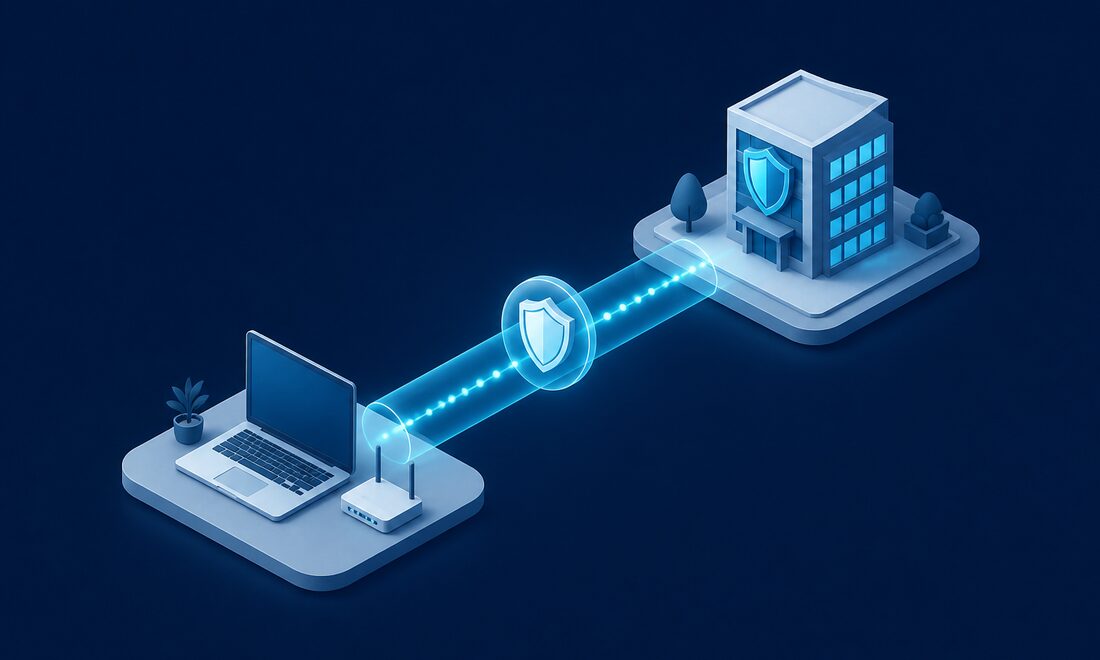
- VPN (Virtual Private Network): Creates an encrypted tunnel between the remote device and your company network, protecting data in transit. Traditional VPNs work well for businesses that still have on-premises servers and applications.
- Zero Trust Network Access (ZTNA): A more modern approach that verifies every access request based on user identity, device health, and context, regardless of whether the user is inside or outside the network. Zero Trust assumes that no connection is inherently trustworthy.
- Cloud-based applications: Moving applications to the cloud reduces the need for VPN connections entirely. When your email, file storage, and business applications all run in the cloud, employees access them securely through the browser with proper authentication.
- Multi-factor authentication (MFA): Required for all remote access, no exceptions. MFA ensures that a stolen password alone is not enough to compromise an account. Use app-based authentication rather than SMS whenever possible.
3. Secure Collaboration Tools
Remote teams rely heavily on digital collaboration, which means the tools they use must be properly secured and configured:
- Enterprise-grade video conferencing: Use business versions of Teams, Zoom, or Google Meet that include security features like meeting passwords, waiting rooms, and encrypted connections. Avoid free consumer versions for business discussions.
- Secure file sharing with access controls: Use managed platforms like SharePoint, OneDrive for Business, or Google Drive with proper permissions. Ensure that files are shared with specific people rather than via public links whenever possible.
- Encrypted messaging: For sensitive communications, use platforms that provide end-to-end encryption. Microsoft Teams and similar business tools offer this for internal communications.
- Proper configuration of sharing settings: Review default sharing settings in all collaboration tools. Many platforms default to overly permissive sharing that can expose company data to anyone with a link.
4. Home Network Guidance
Your employees' home networks are an extension of your business network when they are working remotely. Providing guidance and support for home network security is important:
- Change default router passwords: Many home routers still use manufacturer default credentials, making them easy targets for attackers.
- Enable WPA3 encryption: WPA3 is the current standard for WiFi security. WPA2 is acceptable as a minimum, but WEP and open networks should never be used for work.
- Create separate networks: Encourage employees to set up a separate WiFi network or VLAN for work devices, keeping them isolated from smart home devices, gaming consoles, and other personal equipment.
- Keep router firmware updated: Router manufacturers release firmware updates that patch security vulnerabilities. Many home users never update their routers, leaving known exploits open.
- Consider company-managed routers: For employees in sensitive roles or who handle confidential data, providing a company-configured router or firewall appliance for their home office is a worthwhile investment.
Remote Work Security Policies
Technology alone is not enough. Clear, documented policies set expectations and give employees the guidance they need to work securely from any location. Your remote work security policy should address:
- Acceptable use of company devices: Define what personal activities, if any, are permitted on company-owned equipment.
- Requirements for home office security: Specify minimum standards for home WiFi security, physical workspace privacy, and device storage.
- Procedures for reporting lost or stolen devices: Make it easy and judgment-free for employees to report immediately. The faster a lost device is reported, the faster IT can respond by locking or wiping it.
- Rules about public WiFi usage: Ideally, employees should avoid public WiFi entirely for work tasks. If they must use it, require VPN connection at all times.
- Guidelines for physical document handling: If employees print sensitive documents at home, specify how those documents should be stored and destroyed.
- Video call privacy requirements: Remind employees to be aware of what is visible in their background during video calls and to use private spaces for confidential discussions.
Monitoring and Visibility
You cannot protect what you cannot see. Maintaining visibility into remote device security is essential for identifying and responding to threats:
- Cloud-based security monitoring: Use tools that can monitor endpoint health, detect threats, and enforce policies regardless of where the device is located. Modern RMM (Remote Monitoring and Management) platforms provide this capability.
- Regular security assessments: Periodically audit remote work setups to verify that security controls are functioning properly and that employees are following established policies.
- Compliance checking: Automated tools can verify that devices meet security requirements, such as having encryption enabled, running current antivirus definitions, and having all critical patches installed.
- Automated alerts: Configure alerts for suspicious activity such as login attempts from unusual locations, multiple failed authentication attempts, or large data transfers outside of normal business hours.
Training for Remote Employees
Remote workers face unique threats and need specific, ongoing training to stay vigilant. Security awareness training should be conducted regularly, not just during onboarding:
- Recognizing phishing attempts: Remote employees receive more phishing emails and are more likely to fall for them without the safety net of asking a nearby coworker for a second opinion. Regular simulated phishing exercises keep awareness high.
- Safe handling of sensitive data at home: Train employees on proper data handling procedures, including encrypting files, using secure transfer methods, and properly disposing of printed materials.
- Proper use of VPN and security tools: Ensure employees understand why these tools matter and how to use them correctly. A VPN that employees find too cumbersome will simply not get used.
- Social engineering awareness: Teach employees to verify requests for information or fund transfers through a separate communication channel, especially when the request seems urgent or comes from a senior executive.
- Physical security of devices: Never leave a laptop unattended in a car, coffee shop, or other public place. Use cable locks when working in shared spaces. Lock the screen every time you step away.
Building a Secure Remote Work Environment
Securing remote work is not a one-time project. It is an ongoing commitment that requires the right technology, clear policies, and continuous employee education. At Bergen Computer Solutions, we help businesses throughout Bergen County implement comprehensive remote work security solutions that protect company data without creating unnecessary friction for employees. Whether you need to deploy endpoint protection, configure secure cloud access, or develop remote work policies, we can help you build a security framework that works for your distributed team. Contact us for a free consultation to discuss your remote work security needs.
Need Help With Your IT?
Bergen Computer Solutions provides expert IT support for businesses and home users throughout Bergen County.
Contact Us Today (201) 669-3107