
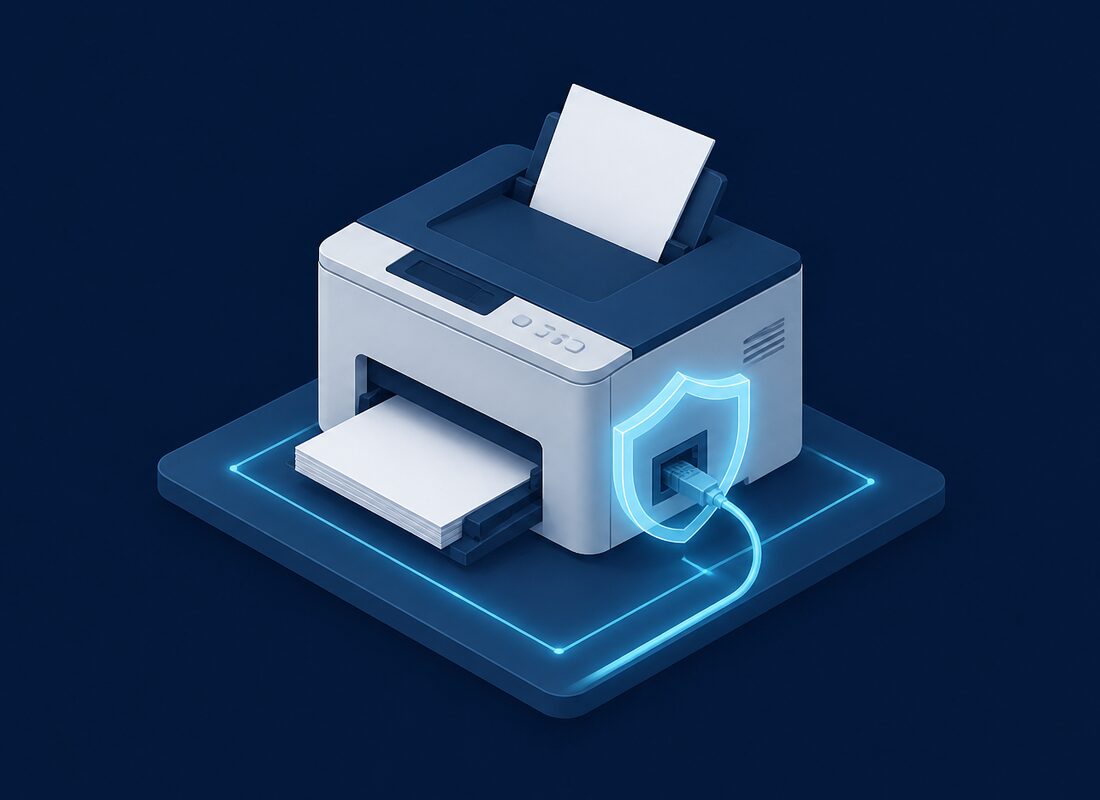

That network printer in your office? It is essentially a computer running its own operating system, connected to your network, with access to everything you print -- and most likely running outdated firmware that has never been patched. Hackers know this, and they increasingly target printers as entry points into business networks. For small businesses across Bergen County, NJ, printer security is a blind spot that deserves immediate attention.
Most business owners invest in firewalls, antivirus software, and employee security training, but completely overlook the multifunction printers sitting in their hallways and workrooms. These devices store copies of every document printed, scanned, or faxed. They have network access that often goes unmonitored. And their administrative interfaces frequently use factory-default credentials that anyone can find online.
Why Printers Are Vulnerable
Understanding why printers represent such a significant security risk helps explain why they require the same security attention as any other networked device in your office:
- Default passwords are rarely changed -- Most network printers ship with default admin credentials like "admin/admin" or "admin/password." Manufacturers publish these defaults in their documentation, which means they are freely available to anyone who searches for them. In our experience servicing Bergen County offices, the vast majority of printers we encounter still have their factory-default passwords.
- Firmware is almost never updated -- While your computers receive regular operating system updates and your antivirus definitions update daily, printer firmware typically goes years without a single update. During that time, security vulnerabilities accumulate. Printer manufacturers do release firmware patches for critical vulnerabilities, but without someone actively monitoring and applying these updates, printers remain exposed.
- Full network access -- Printers need network connectivity to receive print jobs, but they often have broader network access than necessary. A compromised printer can potentially see network traffic, access shared folders, and serve as a launching point for attacks against other devices on your network.
- Stored documents and print history -- Modern office printers have internal storage -- often a full hard drive -- that retains copies of printed, scanned, copied, and faxed documents. This storage can contain sensitive business information including financial documents, contracts, employee records, client data, and confidential communications. If the printer is compromised, stolen, or improperly disposed of, all of this data is accessible.
- Multiple attack surfaces -- Printers typically run multiple network services simultaneously, including web servers for administration, FTP for file transfer, SNMP for monitoring, and various printing protocols. Each of these services is a potential entry point for attackers.
Real-World Printer Attacks
Printer security is not a theoretical concern. Real attacks happen regularly. In 2018, a hacker accessed 50,000 printers worldwide and forced them to print messages, demonstrating just how many unsecured printers are accessible from the internet. While that incident was relatively harmless, the same access could have been used for far more damaging purposes.
More seriously, printers have been used to pivot into corporate networks, intercept sensitive documents in transit, install persistent malware that survives reboots and firmware updates, harvest network credentials, and serve as command-and-control nodes for broader attacks. In one well-documented case, attackers used a vulnerable printer to gain initial access to a company's network, then moved laterally to compromise servers containing customer payment information. The breach was traced back to a printer with default credentials that had not been updated in over three years.
For Bergen County businesses that handle sensitive client information -- law firms, accounting practices, financial advisors, and similar professional services -- a printer-based breach could trigger notification requirements under New Jersey's data breach laws and cause significant reputational damage.
How to Secure Your Office Printers
Securing your printers does not require specialized knowledge or expensive tools. These steps will dramatically reduce your risk:
- Change default admin passwords immediately -- Every printer on your network should have a unique, strong administrative password. Access the printer's web interface (usually by typing its IP address into a browser), navigate to the security or administration settings, and change the default password to something strong. Document these passwords in your organization's password manager.
- Put printers on a separate network segment (VLAN) -- Network segmentation isolates your printers from the rest of your network. If a printer is compromised, the attacker's access is limited to the printer segment rather than your entire network. This is one of the most effective security measures for any networked device and should be part of your overall network architecture.
- Disable unused protocols and services -- Most printers ship with FTP, Telnet, SNMP, and other protocols enabled by default, even though most offices never use them. Disable every service you do not actively need. At a minimum, disable Telnet (which transmits data unencrypted), FTP (unless actively used for scan-to-folder functionality), and SNMPv1/v2 (use v3 if SNMP is required for monitoring).
- Enable encrypted printing with SSL/TLS -- Configure your printers to use encrypted connections for print jobs and administrative access. This prevents print data from being intercepted as it travels across your network. Most modern business printers support HTTPS for administration and IPPS for encrypted printing.
- Update firmware on a regular schedule -- Check for and apply firmware updates at least quarterly. Set calendar reminders or include this in your regular IT maintenance schedule. Subscribe to security advisories from your printer manufacturer to receive notifications about critical vulnerabilities that require immediate patching.
- Enable automatic job deletion -- Configure your printers to automatically delete stored print jobs after completion. Some printers can overwrite their internal storage with random data after each job, further protecting sensitive documents from recovery.
- Implement pull printing -- Pull printing (also called follow-me printing) requires users to authenticate at the printer before their job prints. This prevents sensitive documents from sitting in output trays where anyone can pick them up, and ensures that print jobs are only released to the intended recipient.
- Secure physical access -- Place printers in areas where unauthorized individuals cannot easily access them. For printers with hard drives, ensure proper data sanitization procedures when the device is retired, sold, or returned at the end of a lease.
Creating a Printer Security Policy
Beyond technical controls, establish clear policies around printer use and security. Your policy should cover acceptable use guidelines, procedures for printing sensitive documents, rules about leaving printed documents unattended, proper disposal procedures for misprints containing sensitive information, and incident response steps if a printer is suspected of being compromised. Include printer security in your regular security awareness training so employees understand the risks and their responsibilities.
Managed Print Security Services
We can manage your printer security as part of our managed IT services for Bergen County businesses. Our managed print security includes automatic firmware monitoring and updates, security configuration and hardening, network segmentation and access controls, regular security assessments, print activity monitoring for unusual behavior, and proper decommissioning procedures when printers reach end of life. By including printers in your overall managed IT security strategy, you eliminate one of the most commonly overlooked attack vectors without adding work to your team's plate.