
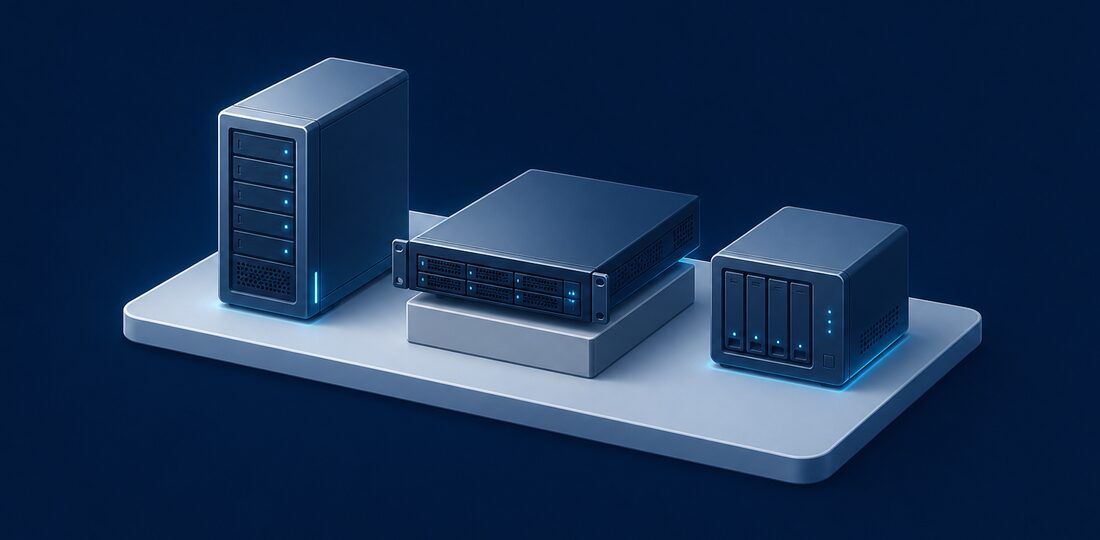

Ten years ago, every business needed a server. It was where you stored files, ran your email, hosted your accounting software, and managed user accounts. Today, many small businesses in Bergen County can go entirely serverless, relying on cloud platforms for everything. But not every business can make that transition. Here is how to evaluate your options and decide what is right for your company.
When You Still Need an On-Premise Server
Despite the rapid shift to cloud computing, there are legitimate scenarios where an on-premise server remains the best choice for Bergen County businesses:
- Large file storage with fast local access — If your team works with large files like video production, architectural CAD drawings, engineering models, or high-resolution photography, uploading and downloading these files from the cloud can be painfully slow. A local server with gigabit network connections provides near-instant access to files that might take minutes to download from the cloud.
- Legacy software that won't run in the cloud — Many industry-specific applications, particularly in manufacturing, construction, and legal, were designed to run on local servers. Migrating these applications to the cloud may not be possible without switching to an entirely new software platform.
- Compliance requirements for local data storage — Some regulatory frameworks require that certain data remain on-premise or within specific geographic boundaries. While most compliance requirements can be met with properly configured cloud services, some businesses prefer the control and auditability of local storage.
- Unreliable internet connection — If your office location has inconsistent internet service, relying entirely on cloud applications means your team cannot work during outages. While Bergen County generally has good internet infrastructure, some areas in the northern part of the county experience more connectivity issues than others.
On-Premise Server Requirements
If you determine that a local server is necessary, plan for the full scope of requirements. You need a dedicated, climate-controlled space with adequate ventilation. The server needs an uninterruptible power supply (UPS) to handle power fluctuations and brief outages. You need a backup strategy that includes both local and off-site copies. And you need ongoing maintenance including operating system updates, security patches, hardware monitoring, and eventual replacement when the hardware reaches end of life, typically every five to seven years.
When Cloud Makes More Sense
For the majority of small businesses in Bergen County with under 50 employees doing standard office work, a cloud-first approach offers significant advantages:
- Standard office work (email, documents, accounting) — Cloud platforms like Microsoft 365 and Google Workspace handle email, document creation, spreadsheets, and collaboration better than any local server. Cloud-based accounting software like QuickBooks Online, Xero, and FreshBooks eliminates the need for local server hosting.
- Remote or hybrid workforce — If your employees work from home part of the time, cloud services provide seamless access from any location and any device. No VPN required, no slow remote desktop connections, and no dependency on your office internet connection.
- Limited IT budget and expertise — Running a server requires ongoing IT management. Cloud services handle infrastructure maintenance, security updates, and capacity planning for you, shifting the burden from your team to the platform provider.
- Need for automatic backups and disaster recovery — Cloud platforms include built-in redundancy and disaster recovery capabilities that would cost thousands of dollars to replicate locally. Your data is stored across multiple data centers, so even a catastrophic failure at one location does not result in data loss.
Cloud Security Considerations
Business owners sometimes worry that cloud storage is less secure than keeping data on a local server. In practice, the opposite is usually true. Cloud providers like Microsoft and Google invest billions of dollars annually in security infrastructure, employ dedicated security teams, and maintain compliance certifications that would be impossible for a small business to achieve independently. The key is proper configuration: enabling multi-factor authentication, managing user permissions carefully, and implementing data loss prevention policies.
The Hybrid Approach
Most Bergen County businesses today use a hybrid model that combines the best of both worlds. Cloud services handle email, collaboration, and standard business applications. A small local server or network-attached storage (NAS) device provides fast access to large files and serves as a local backup target.
NAS Devices: A Server Alternative
For businesses that need local file storage but do not need a full server, a NAS device is an excellent middle ground. Devices from Synology or QNAP provide shared file storage, automatic backup, and remote access capabilities at a fraction of the cost of a traditional server. A quality NAS device costs $500-2,000 depending on storage capacity and features, compared to $5,000-15,000 for a full server setup. Bergen Computer Solutions regularly deploys NAS solutions for Bergen County businesses that need reliable local storage without the complexity and cost of a dedicated server.
Cost Comparison
Understanding the true cost of each option helps Bergen County business owners make informed decisions. Here is a realistic breakdown:
On-premise server: $5,000-15,000 upfront for hardware and initial setup, plus $200-500 per month for ongoing maintenance, monitoring, and support. Add electricity costs of $50-100 per month and plan for complete hardware replacement every 5-7 years. Over a five-year period, a single server typically costs $20,000-40,000 in total ownership expenses.
Cloud equivalent: $500-2,000 per month depending on user count and services required, but this includes maintenance, security updates, backups, disaster recovery, and automatic scaling. There is no upfront hardware investment, no replacement cycle to plan for, and costs scale up or down as your team size changes.
Hybrid approach: Cloud services for email and collaboration ($12-20 per user per month) plus a NAS device ($500-2,000 one-time) for local file storage. This approach typically costs $300-800 per month for a 10-person team, making it the most cost-effective option for businesses that need some local storage capacity.
Planning Your Server Migration
If you currently have an on-premise server and are considering a move to cloud services, planning the transition carefully is essential. A rushed migration can result in data loss, extended downtime, and frustrated employees. The process should include a thorough inventory of what is on the server, identification of applications that can move to cloud alternatives, a data migration plan with verification steps, and a training plan for employees who need to learn new tools.
Bergen Computer Solutions has helped dozens of Bergen County businesses migrate from aging servers to modern cloud and hybrid environments. We handle every aspect of the transition, from initial assessment through migration, testing, and employee training. Most migrations are completed with minimal disruption over a weekend.
Our Recommendation
For businesses under 20 employees without specialized software needs, a cloud-first approach with Microsoft 365 or Google Workspace is usually the best choice. It eliminates hardware costs, simplifies management, and provides better accessibility for remote and hybrid workers.
For businesses with large file requirements or legacy software dependencies, a hybrid approach combining cloud services with a NAS or small server delivers the best balance of performance, cost, and flexibility. Bergen Computer Solutions can assess your specific needs, evaluate your current infrastructure, and recommend the right solution for your business. Contact us for a free consultation at our Ramsey, NJ office or by phone at (201) 669-3107.